✦ Interface
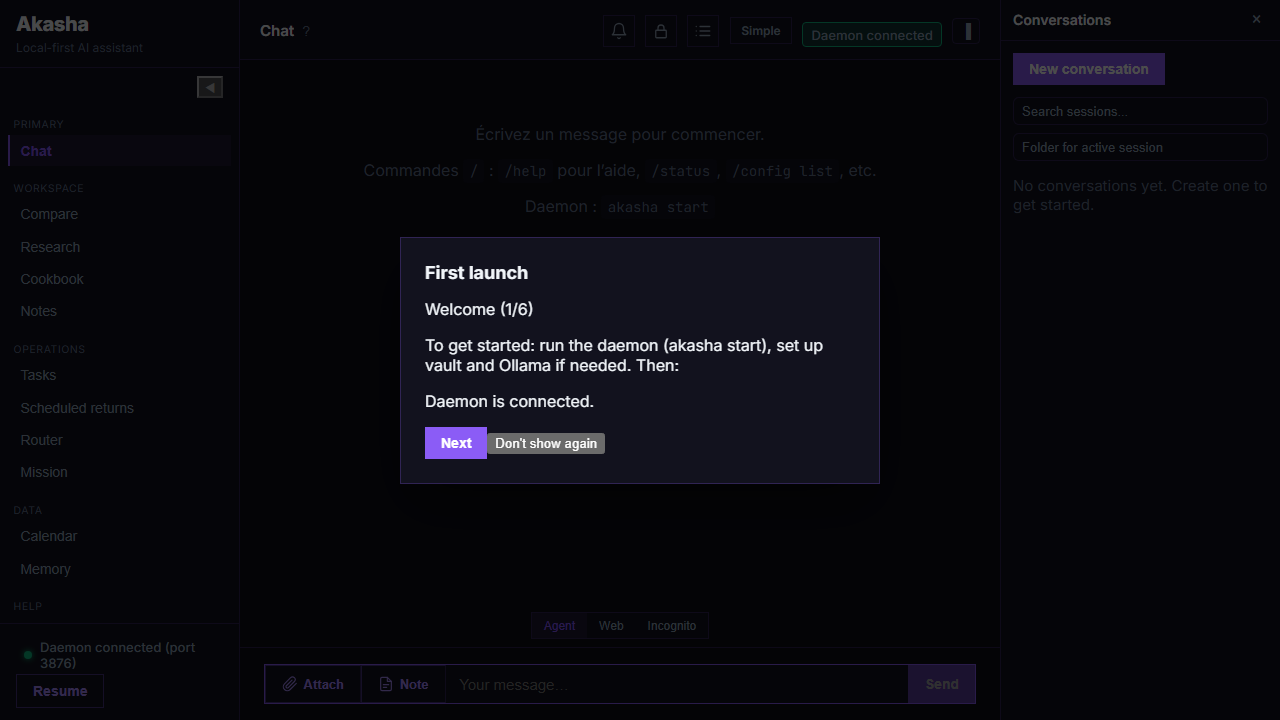
Desktop UI
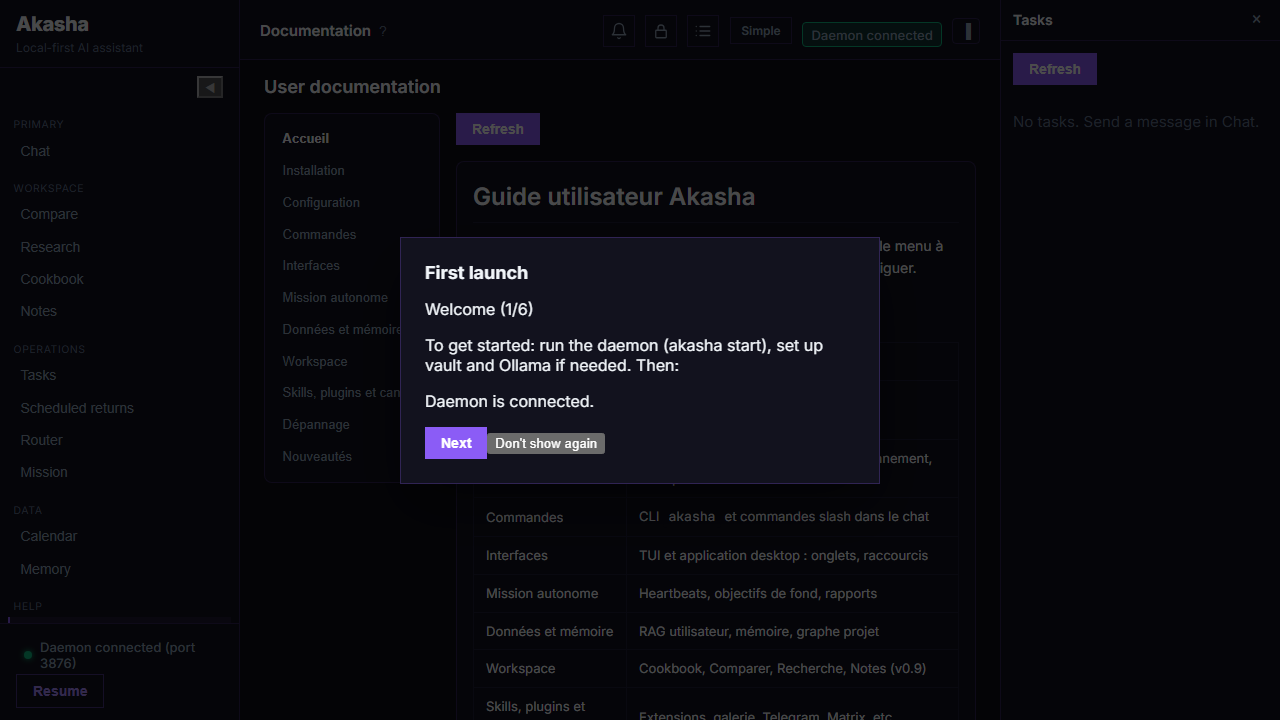
Web UI (same bundle as the Tauri app): chat and in-app documentation when akasha start is running.
A daemon-backed assistant with TUI, desktop app, and optional chat channels. Embedded model works out of the box — add Ollama or cloud APIs when you want heavier models. Data stays on your machine; tools are deny-by-default until you allow paths in policy.
v0.10.0 — your assistant on the machine, and a small companion on the LAN: bind the daemon (AKASHA_BIND, /api/companion/*) so an ESP32 can discover, pair, and use voice locally. First-use embedded: wizard download + multi-model picker, full CUDA zip, service discovery (Ollama, Home Assistant), HA connector + plugin; mid-size Ollama keeps prompts compact with 8k context. npx akasha-code-studio@0.10.0. What's new
No account required for the embedded path. Conversations and memory stay in your data directory, with dedicated controls to pause learning, inspect memory summaries, and clear context when needed.
Deny-by-default file and command access via tools_policy.yaml, plus a permission center for persistent allow/deny decisions on sensitive actions.
Background daemon with auto-restart. Task lifecycle, schedules, and calendar integrations — built for always-on use, not only ad-hoc chat.
Timeline and metrics over HTTP for operators and integrators. Router tab in the TUI for model routing at a glance.
Install skills from URLs or drop folders in your data dir. /skills reload in chat. Plugins extend channels and tools.
Sensitive actions can be queued for approval with explicit decision history (pending/approved/denied/expired), plus compact operator summaries after task completion.
akasha tui — Chat, Scheduled, Router, Doc, Tasks, Calendar, Memory. Desktop app: Settings, user RAG, project graph (multi-folder), Mission tab, attachments. Optional Slack, Discord, Telegram.
Talk normally; the agent picks tools and skills. Slash commands for power users (/help, /models, …).
akasha update check / akasha update install point to this site’s releases.
See how Akasha differs from OpenClaw, Claude Code, Cursor, Hermes Agent, Mercury Agent, and similar tools — comparison table →
Web UI (same bundle as the Tauri app): chat and in-app documentation when akasha start is running.
From download to fully configured in under 2 minutes.
Download the akasha-full-<os> archive from the Releases page and extract it. Windows: double-click INSTALL.cmd or run .\scripts\setup.ps1. Linux / macOS: run chmod +x scripts/setup.sh && ./scripts/setup.sh. Then akasha init and akasha start.
akasha init then akasha start
Run akasha start from the extract folder so the Doc tab shows the user guide.
Ask the agent in chat to install a skill from a URL, or copy skill files into the data folder and type /skills reload in the chat.
In chat: "Install the calculator skill from …"
Run akasha tui for the terminal interface, or launch the desktop app. Chat naturally; the agent uses tools and skills as needed.
akasha tui
Choose from a growing library. Install via the chat (ask the agent to install from a URL) or copy files into your data folder and run /skills reload.
In chat: "Install the calculator skill from …"Download for free, no account required. Your data stays yours.